- DATE:
- AUTHOR:
- Team LaunchNotes
- RELATED ROADMAP ITEMS:
- Tables in the Announcement Editor
Tables Now Available in the Editor – Plus a Round of Enhancements
The best release notes don't just tell customers what's new — they show them what's possible. This release adds native table support to the LaunchNotes editor, making it easier to communicate structured content clearly, wherever your subscribers see it. Alongside tables, we've shipped a round of enhancements to the roadmap, dashboard, and template experience that make the platform feel faster and more intuitive across the board.
Key features of this release
Full table support across Announcements, Email Notifications, Roadmap items — insert, resize, and edit native tables directly in the LaunchNotes editor
Loom and Vidyard hero support on roadmap items
Subscriber counts on roadmap cards
Updated dashboard layout
Multiple domain support
Templates sort alphabetically
Tables in the editor
A lot of release content is inherently tabular: API changes, configuration options, pricing tiers, feature comparisons. Without native table support, teams were resorting to workarounds — pasting images of tables, using Markdown, or writing prose that didn't communicate structure well. Native tables fix all of that. Your content can be organized the way the information actually is, and it renders cleanly everywhere your subscribers see it.
How tables work
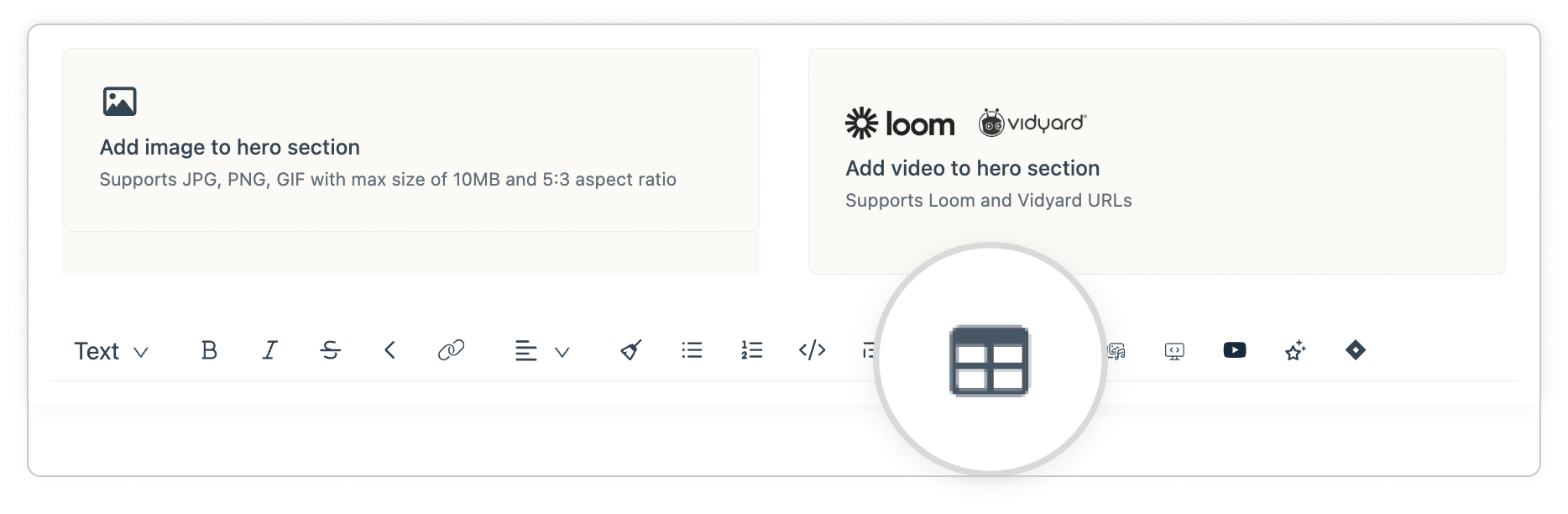
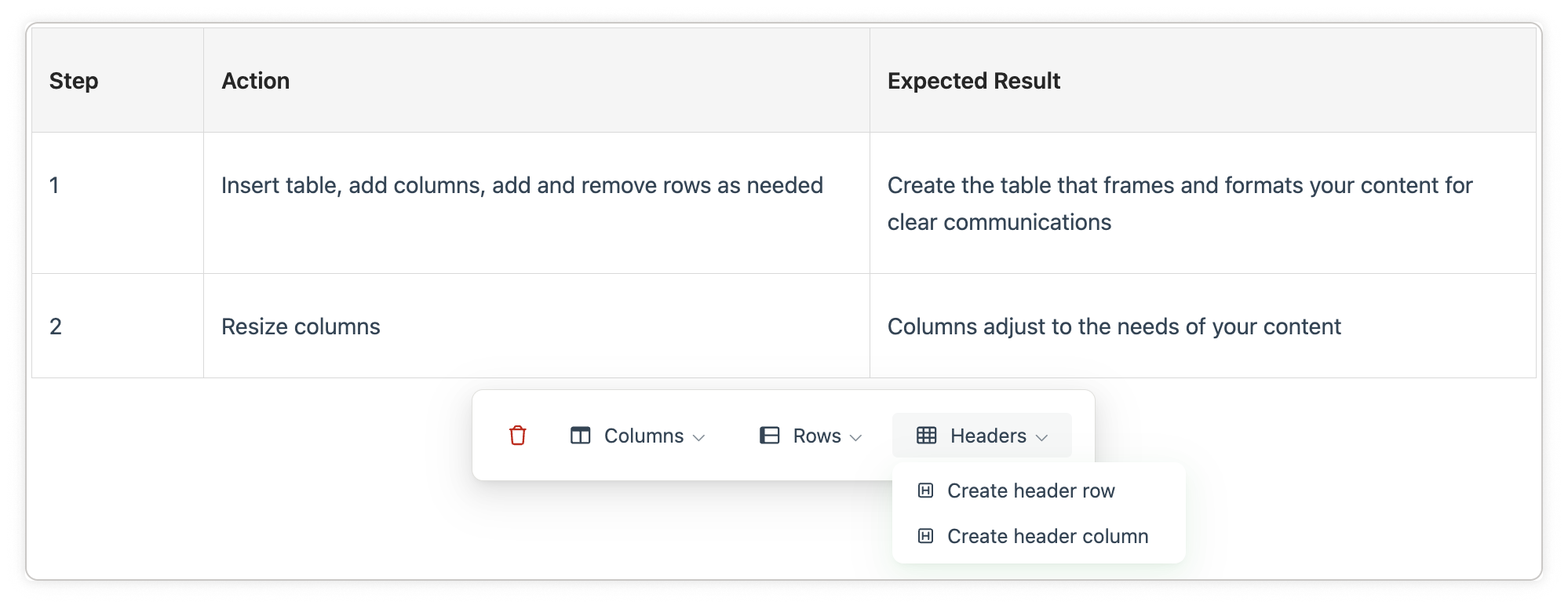
They work just as you would expect from your experience with the productivity apps you use everyday. In any announcement, email notification or roadmap item, open the editor toolbar and select the table option. Define your rows and columns, resize cells, and edit content inline — no exports, no workarounds, no reformatting before you publish.
How to get started
Tables are available now for all plans. Open any announcement or roadmap item, select the table icon in the editor toolbar, and start building.
Additional enhancements in this release
Shipping new features is only half the job. The other half is going back to the things you've already built and making them work better — tightening the experience, filling in the gaps, and turning features that were useful into features that are genuinely great. This release reflects that commitment. Every update here started with a question: what would make this more useful to the people actually using it every day?
Enhancement | What's New |
|---|---|
Loom & Vidyard Hero on Roadmap Items | Paste a Loom or Vidyard URL into any roadmap item and LaunchNotes auto-generates the thumbnail and embed — making roadmap items as rich as announcements |
Subscriber Counts on Roadmap Cards | Each roadmap card now displays a subscriber count badge, so you can see which items have traction directly from the board view |
Updated Dashboard Layout | Tabs renamed and reorganized — new Roadmap tab added, stats split for clarity, and comparison indicators moved inline so the numbers you want are where you'd expect them |
Multiple Domain Support | Organizations operating under more than one domain can now register all of them in the management portal via free-form input |
Alphabetical Template Sorting | Templates in the picker, template page, and Smart Draft now sort A→Z — the more templates you have, the more this matters |
Thank you!
The tables feature was added to the editor based on conversations with our clients and design partners at Finzly and S&P Global. Thank you for the inspiration and encouragement. If you have been thinking about a feature or capability you’d like to see in the platform, please leave feedback on this announcement.