- DATE:
- AUTHOR:
- Team LaunchNotes


LaunchNotes MCP is now generally available
Your AI agent can now run LaunchNotes.
The LaunchNotes MCP Server is now publicly listed in the Claude and Cursor directories. 
Hand your agent a closed Jira milestone, two Notion specs, and yesterday's product review, and get back a publish-ready announcement in your voice — every source issue attached, the roadmap item linked, sitting in LaunchNotes as a draft.
Then, let your agent manage your roadmap, clean up your drafts, search your feedback, pull analytics on your announcements, and even restyle your page.
Go beyond the MCP server, and install the skills and it gets truly fluent. It stops needing the steps named. It knows what a job takes end to end, how your team writes, what publishing does to your subscriber list, which fields get overwritten on an update, and when to stop and ask you first. One instruction instead of eight, and what comes back looks like your team made it.
What product and marketing teams are handing off
"We closed the 2.4 milestone in Jira, context is in these Notion pages and this transcript. Draft the release note."
Pulls the closed issues, reads the specs and transcript for the reasoning the tickets don't carry, checks what's already been announced, writes it in your voice, tags categories, attaches every source issue, links the roadmap item. Lands as a draft.
"We shipped the billing revamp. Announce it and move it to Released."
The announcement, the link between post and roadmap item, and the public stage change — one pass. Not ready to announce yet? "Post an update that auth is now in development" writes to that item's timeline and emails the people following it.
"What are people asking for? Put the top themes on the roadmap."
Clusters your feedback into themes with the volume behind each, creates only what you approve, then files that feedback under the new items so the inbox clears.
"We're rebranding. Here's the new style guide — make our page match."
Reads your current page config, pulls a palette off your site or style guide, maps it onto the eight color variables that control the page, and shows you the whole thing before it touches anything live. Headings, slug, and which features are on — feedback, roadmap, ideas, voting, RSS — in the same pass. On Premium, custom CSS and header/footer markup too.
"How did last week's announcement perform?"
Engagement, sentiment, reach by channel, subscriber health — aggregate only, no individual subscriber records. And since your agent has the rest of your stack open: "now cross-reference adoption in Pendo and put a summary in Confluence."
Install
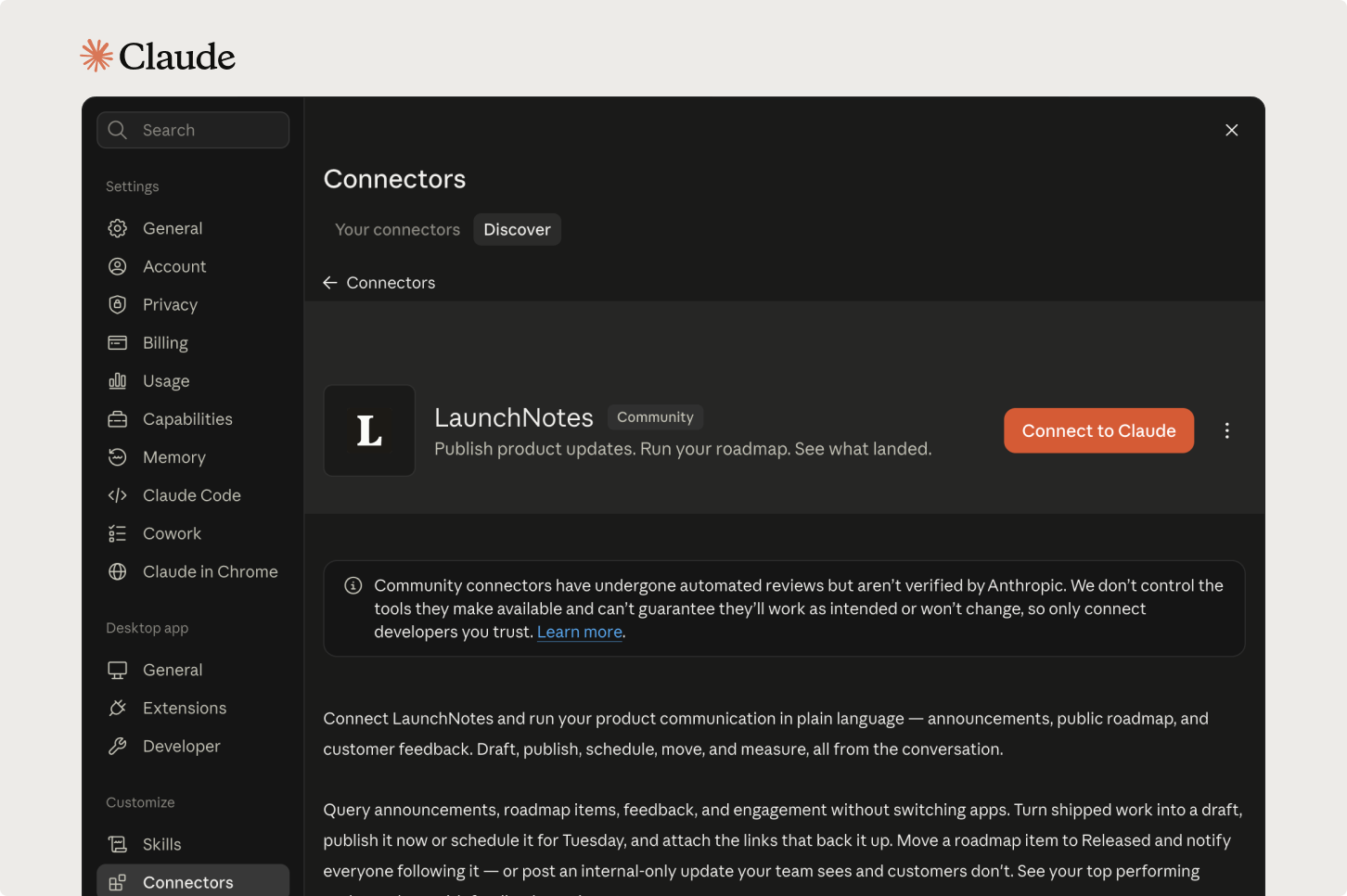
Claude Desktop / claude.ai — the plugin carries the tools and the skills. Go to Customize → Plugins, choose Add → Add marketplace → Add from a repository, and paste https://github.com/launchnotes/mcp-server-guide. If you only want the tools, the LaunchNotes connector is one click from claude.ai/directory/launchnotes.
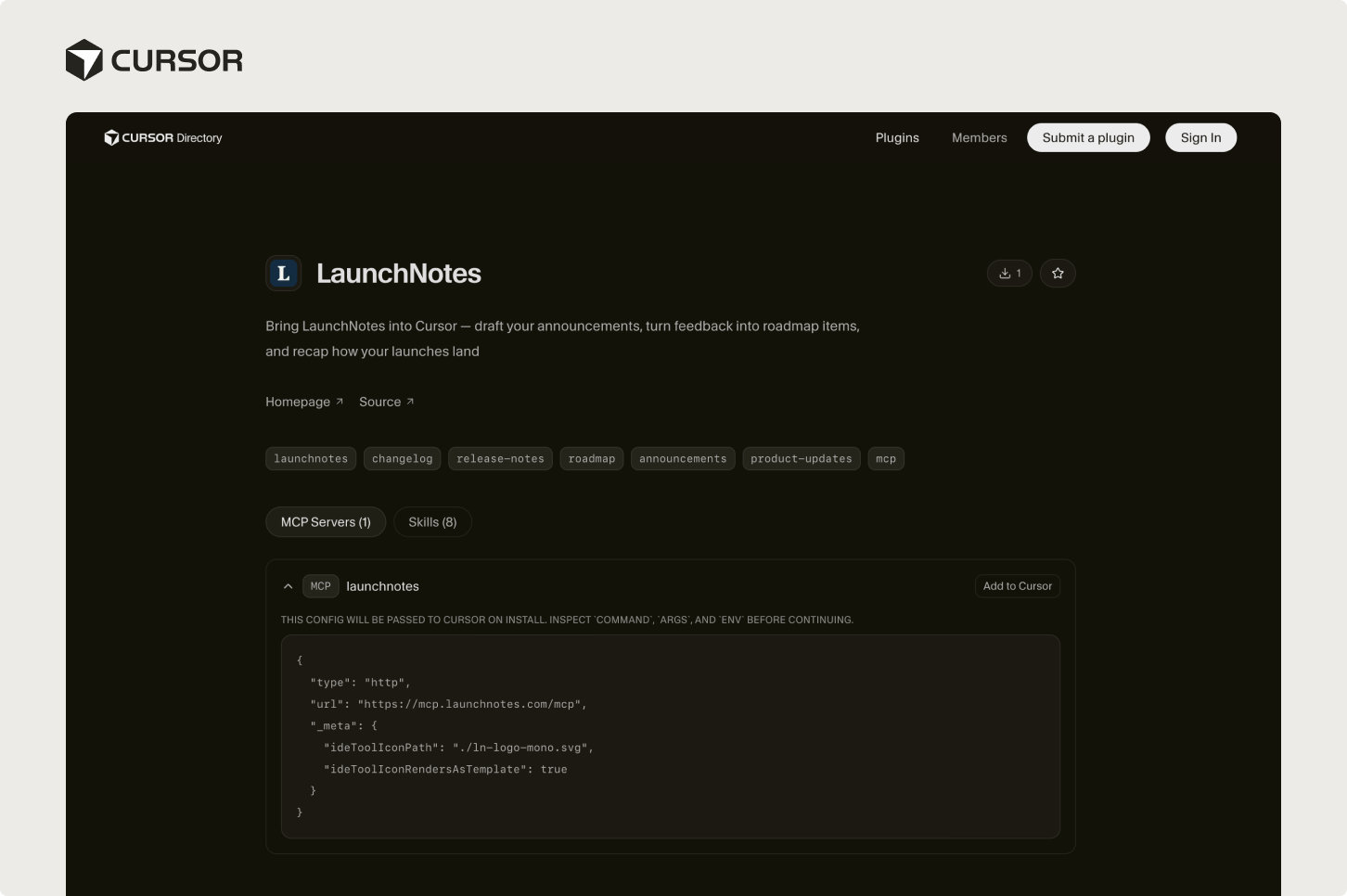
Cursor — one click from cursor.directory/plugins/launchnotes, or search LaunchNotes under Customize. Either way you get tools and skills.
Claude Code — one at a time:
/plugin marketplace add launchnotes/mcp-server-guide
/plugin install launchnotes@launchnotes
Sign in with your LaunchNotes account. It runs as you, with your permissions, and nothing customer-visible happens without your explicit yes.
Setup details, including what your workspace owner needs on a Claude Team or Enterprise plan: help center · MCP server guide.
(If you're already using the MCP server, there's nothing you need to do or install.)
Thank you
Last month we put the final stage of the beta out — signed-in access, the full lifecycle, and the first skills. Today it's generally available: 29 tools, eight skills, one-click install in two marketplaces.
LaunchNotes has always been the most effective way to communicate how your product is changing. What's different now is how little work it takes to get there!
If there's a tool or skill you still need, tell us. We're still building.